Telecalling Software for Small Business: What You Actually Need (And What You Don't)
Small businesses looking for telecalling software run into the same problem: almost everything on the market is built for call centres with 50 or more seats, a dedicated IT team, and a server room. The features list is long, the demo is impressive, and the setup guide is 40 pages. Three months after signing, half the features are unused and the agents have gone back to calling from their personal phones because the software is too slow to open between calls.
What a small business with 2 to 10 telecallers actually needs from calling software is different in almost every dimension from what a large call centre needs. The decision criteria are simpler. The setup tolerance is near zero. The budget is limited. And the person responsible for making it work is usually also the person running sales, handling escalations, and doing their own calls.
This guide is for that business.
The small business telecalling problem is not a software problem
Before evaluating software, it is worth naming the actual problem. Most small business telecalling operations fail for one of three reasons, and software only fixes one of them.
Reason one: leads are not being called fast enough. Inquiries arrive from portals, Facebook ads, or referrals and sit unactioned for 30 minutes to several hours because there is no clear process for who calls what, when. By the time an agent calls, the lead has moved on. This is a process and speed problem. The right software fixes it by routing leads to agents immediately and surfacing them in a call queue.
Reason two: follow-ups are not happening. An agent tells a lead to call back Thursday. Nobody writes it down properly. Thursday comes and nobody calls. This is a follow-up discipline problem. The right software fixes it by owning the follow-up schedule and surfacing it automatically.
Reason three: the owner has no visibility. The owner does not know how many calls were made today, which leads were contacted, and which have been sitting untouched for a week. This is a visibility problem. The right software fixes it with a real-time dashboard that does not require a report to be generated.
If your problem is one of these three, software will help. If the problem is that your agents do not know how to handle objections or your product pricing is wrong, software will not help and spending money on it will not change your conversion rate.
What small business telecalling software must do
Work on the phones your agents already have. Small businesses cannot give every agent a dedicated work phone. The software needs to work on personal Android phones — not require a separate SIM, not require a desktop app, not require a corporate device. If setup requires an IT person, it will not get set up.
Set up in one day, not one week. The window between deciding to buy and actually using something is narrow. If onboarding takes more than a few hours of the owner's time, adoption will stall. A small business needs to add agents, import a lead list, and start making calls on day one.
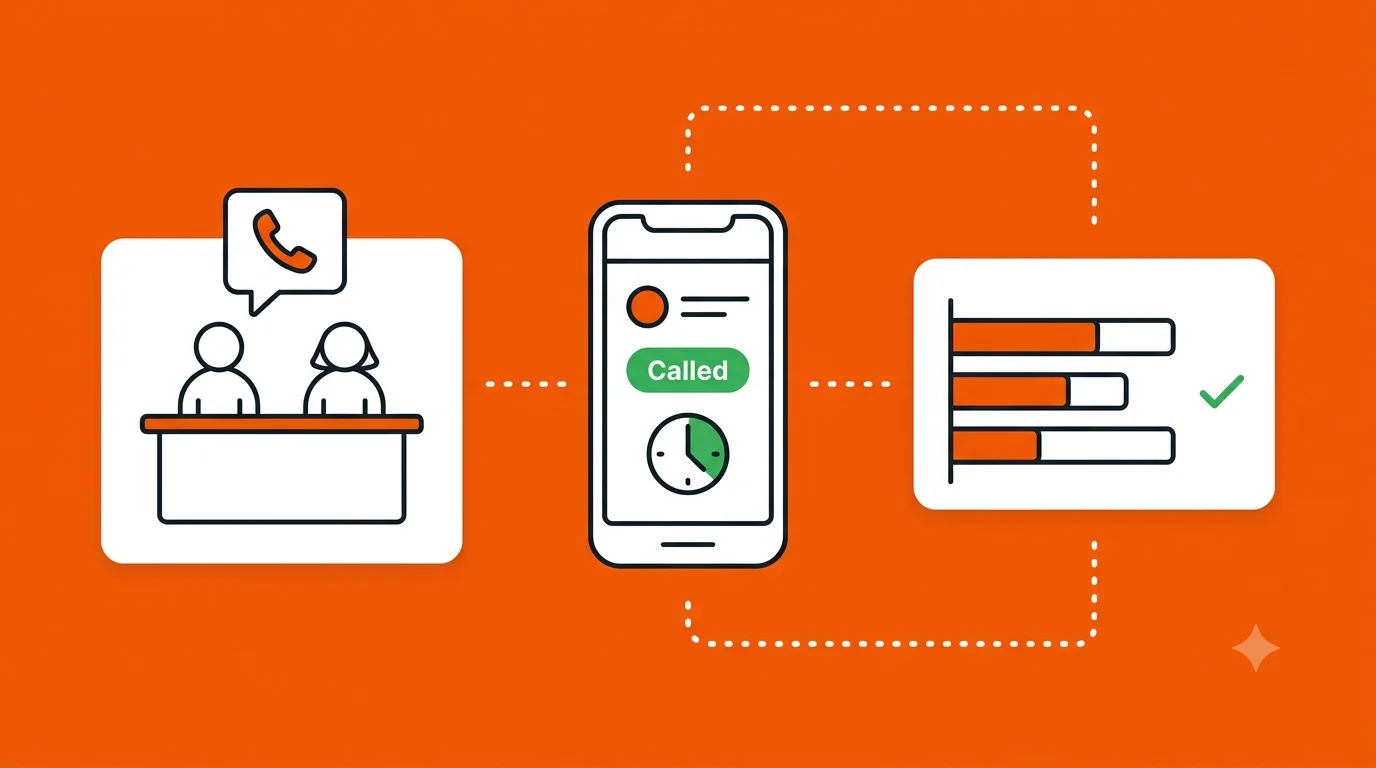
Log calls automatically. If agents have to manually log every call, they will not do it consistently. Calls made from the software should be logged automatically — duration, outcome, time — without the agent typing anything unless they choose to add a note.
Surface follow-ups without a calendar. Agents should not need to manage a separate calendar or reminder system. Follow-up dates set inside the software should surface automatically at the right time in the agent's call queue. No app switching, no manual checking.
Give the owner a live view, not a daily report. A report you read tomorrow morning about what happened yesterday is not useful for managing a small team. The owner needs to open one screen during the day and see which agents are active, which leads have been called, and which have been waiting too long — right now, not in a summary.
Cost under Rs 500 to Rs 1,000 per agent per month. Enterprise telecalling software is priced for enterprises. Small businesses with 5 agents should not be paying Rs 25,000 per month for features they will never use. The right software for a small business costs a fraction of this and does not bundle in features designed for 200-seat operations.
Why personal phones without software create a problem that compounds over time
Most small businesses start with agents calling from their own phones and a shared spreadsheet to track leads. It works at low volume. As lead volume grows, the problems compound in ways that are hard to unwind.
When an agent calls from a personal number, the customer has that agent's personal number. If the agent leaves, they take the customer relationship with them. The business has no record of what was discussed, no history of previous calls, and no way to hand the lead to another agent without starting from scratch.
When call history lives on a personal phone, the owner has no visibility. The agent who says they made 50 calls today and the agent who made 15 look identical from the outside until the end-of-month numbers come in. By then, two weeks of underperformance have already compounded.
When follow-ups are tracked in a personal WhatsApp or a mental note, they slip. Not because agents are negligent but because there is no system that makes following up easier than not following up. The path of least resistance is not calling back the lead from three days ago — it is calling the new lead that just arrived.
Telecalling software fixes all three of these: calls go from a business number, call history stays in the CRM, and follow-ups surface automatically.
How Calliyo works for a small business telecalling team
Calliyo is built on SIM-based calling, which means calls go from the agent's SIM card — no VoIP, no internet-dependent calling, no separate hardware. Agents download the Android app, the owner adds them to the account, and they are making calls within an hour of setup.
Lead queue, not a spreadsheet. Leads are imported into Calliyo — from a CSV, from Facebook Lead Ads, or via webhook from a portal — and appear in each agent's call queue in priority order. New leads appear first. Overdue callbacks surface next. The agent does not decide what to call. The system tells them.
One tap to call. The agent taps a lead and taps call. Calliyo initiates the call from their SIM. When the call ends, a disposition screen appears: Interested, Not Interested, No Answer, Callback Requested, and any custom statuses the owner has configured. The agent taps one option, optionally adds a brief note, and the next lead is ready. The whole post-call process takes under 30 seconds.
Automatic follow-up scheduling. If the agent marks a lead as Callback Requested and sets a date and time, that lead surfaces at the top of the agent's queue at the right moment. The agent does not need to remember it or check anything. It is just there when they open the app.
Owner dashboard. The owner sees a live view of every agent's call activity: how many calls made, how many connected, what the outcomes were, and which leads have been waiting more than a set number of hours. No report to generate. No end-of-day summary to wait for. The information is there mid-morning when there is still time to intervene.
WhatsApp from the lead card. If a lead asks for more information, the agent can send a WhatsApp directly from Calliyo without switching to personal WhatsApp. The message is logged against the lead record. The customer gets a response from a business number, not a personal one.
The features small businesses should not pay for
Enterprise telecalling software includes features that small businesses will never use and that add cost, complexity, and onboarding friction. Watch for these in demos and either negotiate them out or treat them as a sign the product is not built for your scale:
- IVR and multi-level call routing (relevant for inbound call centres, not outbound sales teams)
- Predictive diallers (relevant at 50+ agents, creates compliance risk at small scale)
- Custom API development and webhook configuration requiring a developer
- On-premise deployment and server installation
- Dedicated account manager and enterprise SLA (you will pay for this in the base price)
- Gamification and leaderboard features (a team of 5 does not need a gamification layer)
The test: if a feature requires IT support to set up or maintain, it is not the right feature for a small business. The software should be self-serve from day one.
How to evaluate telecalling software before committing
Before signing up for any telecalling software, run a one-week trial with two agents and your actual lead list. Measure three things at the end of the week:
Time from lead arrival to first call. Import a batch of leads and measure how long it takes before an agent is on the phone with the first one. If it is more than 5 minutes, the assignment and queue system is adding friction that will cost conversions.
Post-call logging time. After a call ends, time how long it takes the agent to log the outcome and set a follow-up. If it is more than 45 seconds, agents will start skipping it or batching it at end of day with degraded accuracy.
Owner visibility without effort. Try to answer these questions without generating a report or asking an agent: How many calls has each agent made today? Which leads have been waiting more than 2 hours? Which agents have overdue follow-ups? If you cannot answer these from a single screen, the software is not built for active management.
If the trial passes all three tests, the software will work for your team. If it fails any of them, no amount of features elsewhere in the product will compensate.
Small business telecalling does not need the most powerful software on the market. It needs software that gets out of the way and makes the next call easier than not making it. Start a Calliyo trial with your team this week. Setup takes under an hour and the first week's data will show you exactly where your current process is losing leads.
Frequently asked questions
What is the minimum team size for telecalling software to be worth it?
Even a single-agent team benefits if they are handling more than 30 to 40 leads per month. The value comes from automatic follow-up surfacing, call logging, and a lead queue — not from team-size-dependent features. For teams of 3 or more, the manager visibility features alone justify the cost.
Do agents need a separate SIM or phone for Calliyo?
No. Calliyo uses the agent's existing SIM card and Android phone. Calls go from the agent's own SIM, which means no VoIP quality issues, no separate hardware cost, and no data connectivity requirement for the call itself. Agents just install the app and start.
How long does it take to set up Calliyo for a small business?
Most small businesses are fully set up within one to two hours: create an account, add agents, import a lead list, and configure lead statuses. There is no IT requirement, no server setup, and no integration that requires developer work unless you want portal webhook integration, which adds a few hours.
What happens to leads and call history if an agent leaves?
All leads, call history, notes, and follow-up schedules stay in Calliyo when an agent leaves. The owner can reassign the agent's leads to another agent in bulk. Nothing walks out the door with the departing agent — not the customer's number, not the conversation history, not the scheduled callbacks.
Can a small business use Calliyo without any technical knowledge?
Yes. Calliyo is designed to be self-serve. The owner sets up the account, adds agents, and imports leads from a spreadsheet. There is no technical configuration required to start. Advanced features like webhook integration with lead portals are optional and can be added later.
What does Calliyo cost for a small team?
Calliyo is priced per agent per month at a rate designed for Indian SMEs, significantly below enterprise telecalling software. Visit calliyo.com for current pricing. There is no setup fee and no minimum contract for small teams.