What Sales Managers Actually Need to See (And Why Most Dashboards Don't Show It)
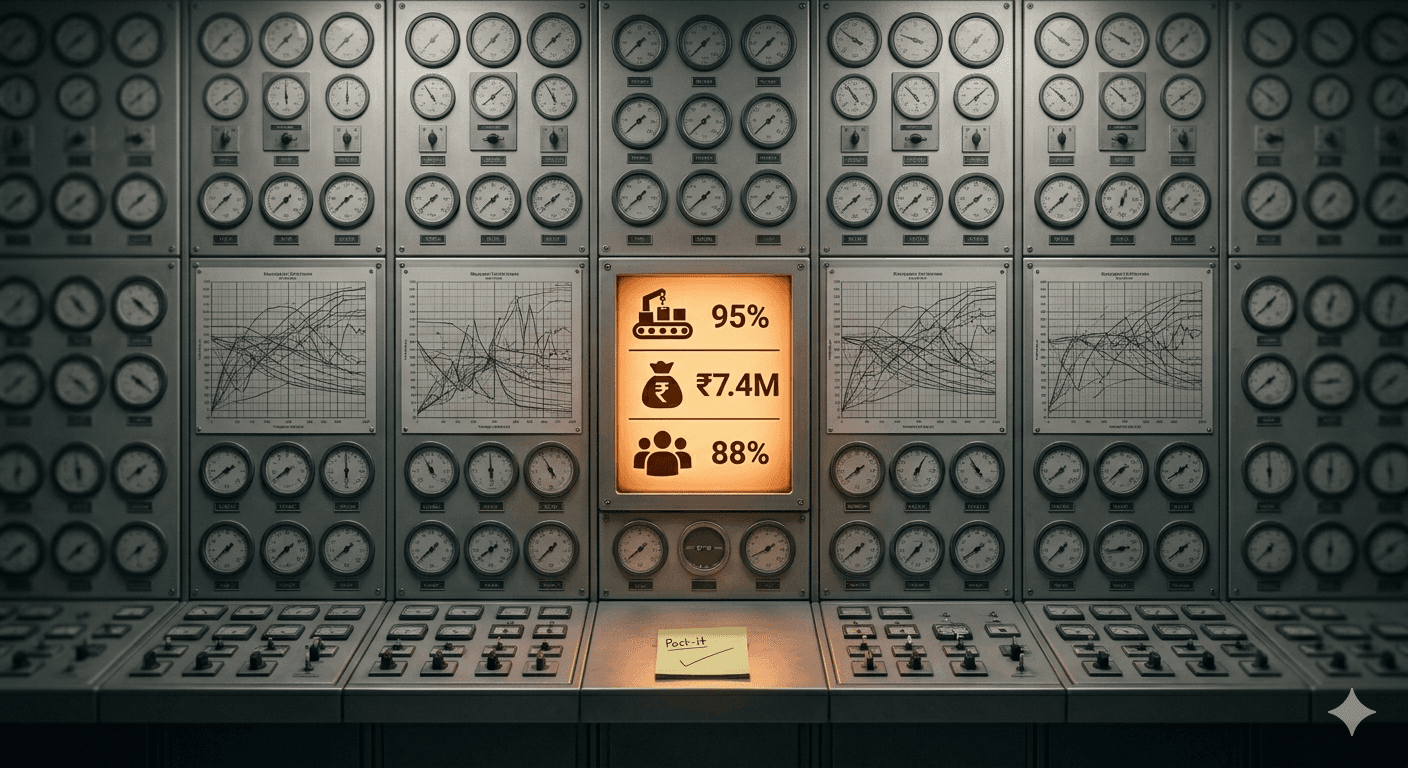
Open any CRM dashboard. You'll see beautiful charts: leads this month, conversion rate, deal pipeline by stage, a funnel widget that animates when you hover over it. It looks like a Bloomberg terminal. Now ask the question that actually matters: which of my five agents needs coaching today, and on what specifically?
The dashboard can't answer. It was never designed to. It was designed to look impressive in a board meeting, not to help a sales manager spend their Tuesday morning effectively. This is the final post in our "why Calliyo" series, and it's the most operational one: what useful visibility actually looks like.
What do most CRM dashboards actually show?
Aggregate, lagging, vanity metrics. Specifically:
- Leads created this month. Useful for the CMO, useless for the sales manager who needs to know what to do today.
- Conversion rate. Useful as a trend over months, useless for diagnosing why this week is bad.
- Pipeline value by stage. A summary of where deals are, with no information about whether any of them got worked on yesterday.
- Agent performance leaderboard. Tells you who closed deals last month. Tells you nothing about who's about to lose them.
None of these answer the manager's actual question: where do I focus my next hour? All of them measure outcomes that have already happened, not the activity that produces those outcomes.
Why is that the wrong information for coaching?
Because coaching works on inputs, not outputs. By the time conversion rate drops, the calls that caused the drop happened weeks ago — and you can't review them because they weren't recorded, weren't logged, or were logged with a one-word disposition like "interested".
The behavioral lesson you wanted to teach happened in real time on a Tuesday afternoon, the manager wasn't listening, and now it's a Friday review meeting and everyone is staring at a leaderboard.
Useful coaching needs three things the standard CRM dashboard doesn't give you:
- Real-time activity visibility. Who's calling right now, who's been idle for two hours, who's stuck on a stalled deal?
- The actual call content. The audio, the transcript, the AI summary. Not just "called Rajesh — interested".
- The patterns across calls. Where in the script does agent A lose deals? What objection does agent B fail to handle?
What does a useful dashboard look like?
The dashboard that actually helps an Indian SME sales manager has five sections — in priority order:
1. Today's anomalies. A panel that flags what's different from a normal day. "Agent A has made 4 calls so far; usually makes 35 by this time." "Lead from yesterday's WhatsApp campaign hasn't been called yet." "Three deals in pipeline haven't been touched in 7 days." Anomalies are where you spend your attention.
2. Live call activity. Who's on a call right now, with whom, for how long. Like a stock ticker for your team. Lets you sense the pulse without interrupting.
3. Follow-up gap. Of yesterday's leads that needed a follow-up call, who got one and who didn't. This is the single highest-ROI signal a sales manager can have because it predicts next month's number better than any other input.
4. Call quality samples. A few recordings flagged by AI as either high-quality (use these for training) or problematic (objection mishandled, customer frustrated). One or two of each per day is enough to feed weekly 1:1s.
5. Per-agent productivity rolling 7-day. Calls/day, talk time, follow-up rate, conversion. Rolling 7-day, not monthly, because rolling 7-day is actionable. Monthly is just history.
Why don't existing tools show this?
Two reasons.
Most CRMs are built around the deal record, not the call. The natural unit is "opportunity" or "contact". Activity (calls, emails, WhatsApp) is a feed attached to the record. The dashboards reflect this: they aggregate by deal stage and conversion, not by what's happening on calls right now.
Most CRMs depend on agents to log activity. Which we covered in the spreadsheet post: manual logging is incomplete and lagging, so the dashboard is incomplete and lagging. You can't show real-time activity if activity is logged 4 hours later, or not at all.
SIM-based CRM inverts both. Calls are first-class entities, automatically captured. The dashboard can show real-time activity because the activity is being captured in real time. Coaching becomes possible because the recordings exist and the AI summaries flag what to review.
How does this change the manager's day?
Before: spend 90 minutes Monday morning chasing agents for their weekend updates, building a manual spreadsheet, sending follow-up reminders one-by-one on WhatsApp. Spend Friday afternoon in a review meeting where everyone defends last week's numbers with optimistic anecdotes.
After: open the dashboard, see today's anomalies in 2 minutes, address them. Spend the freed time on coaching — pick one agent, listen to one of their flagged calls from yesterday, give one specific piece of feedback. Compounding weekly.
The shift isn't about more data — most managers have too much data already. It's about the right data, surfaced at the right moment, so the manager can act instead of report.
What's the right way to evaluate a CRM dashboard?
Three questions to ask of any sales tool before you commit:
- What can I see right now, in real time, about my team? If the answer is "a deal pipeline that updates when agents log activity", it's a historical record, not a coaching tool.
- Can I listen to a call from this morning? If recording requires a setup process or only works through a softphone, it won't survive in a mobile-first Indian sales team.
- If an agent disappeared for the afternoon, would I know within the hour? If your visibility is reactive (you find out via missed quota), it's not visibility — it's archaeology.
That's the end of the "why Calliyo" series. Six posts, one argument: most sales-team problems in Indian SMEs are workflow problems wearing different masks. Forgotten follow-ups, unreliable VoIP, passive spreadsheets, misdiagnosed bottlenecks, unmanaged personal phones, and opaque dashboards. Each one looks small in isolation. Together they're the reason your sales team is hitting 65% of where it could be.
Calliyo isn't the only way to fix this. It's just the one we built for Indian SMEs specifically — SIM-based, mobile-first, auto-logging, with the dashboard a sales manager actually uses. Try it free for 7 days. Your existing team, their existing SIMs, no credit card.
Frequently asked questions
Isn't more data always better?
No. Past a threshold, more data hurts because the manager spends time finding the signal instead of acting on it. The useful dashboard is small and opinionated — 4-5 panels that surface the anomalies and decisions. The 'comprehensive' dashboard is usually a sign the tool's designers didn't know what their users actually do all day.
What about analytics for the founder / CEO?
Different need, different dashboard. The CEO wants quarterly trends, conversion by source, pipeline health. The sales manager wants today's anomalies. Use two views on the same data. Calliyo ships both — a manager dashboard and an exec-level rollup.
How real-time is 'real-time'?
On Calliyo, call activity appears in the dashboard within 30-60 seconds of the call ending. Dispositions and AI summaries within 2-5 minutes. Live call state (who's on a call right now) is true real-time via push notifications to the manager.
Can I get alerts instead of staring at a dashboard?
Yes. Most teams set up Slack or WhatsApp alerts on specific triggers — agent idle for >2 hours, deal stuck >7 days, follow-up overdue, call quality flag. The dashboard is for triage; the alerts are for execution.
What about privacy — do agents know their calls are recorded?
Yes — required by Indian regulation and DPDP consent norms. Every outbound call plays a recorded disclosure ('this call may be recorded for quality') at the start. Agents are aware and contracts spell it out at hiring. The tool reinforces the practice automatically.