Facebook Lead Ads CRM Integration: The 2026 Guide for Indian Businesses
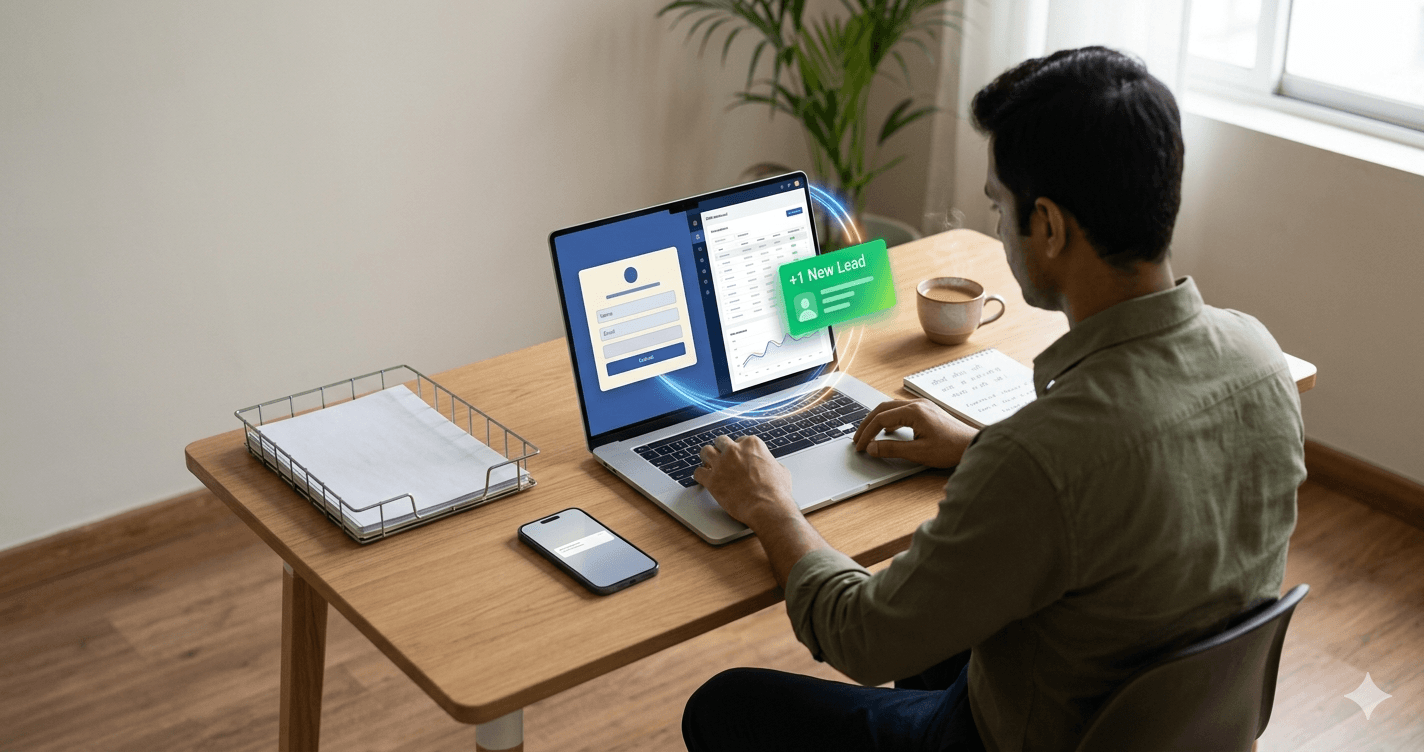
Facebook Lead Ads are the single biggest source of inbound leads for most Indian SMEs in 2026. They are cheap, they target well, and they remove the friction of sending users to a landing page. The problem is what happens after the lead is captured: by default, Facebook Lead Ads dump leads into a CSV inside Ads Manager that someone has to remember to download. By the time you do, the lead is cold.
This guide covers the right way to integrate Facebook Lead Ads with your CRM so every lead reaches your agent's phone in seconds, the routing patterns that fit Indian SME sales motions, the mistakes that cost you 30 to 50 percent of your ad spend, and the ROI math.
Why default Facebook Lead Ads setup loses you money
Out of the box, Facebook Lead Ads stores leads in Ads Manager. Marketers download a CSV once or twice a day, share it with sales, sales eventually distributes it. Typical latency: 4 to 24 hours.
The data on what this costs is brutal. We analyzed Facebook Lead Ad campaigns for 50+ Indian SMEs:
- Leads contacted within 5 minutes: 18 percent qualified rate
- Leads contacted within 1 hour: 12 percent qualified rate
- Leads contacted after 4 hours: 4 percent qualified rate
- Leads contacted next business day: under 2 percent qualified rate
If you are spending ₹50,000/month on Facebook Lead Ads and your default setup delivers leads 4+ hours late, you are converting at one-quarter of what you would with a real-time integration. Three-quarters of your ad spend is going to waste.
The fix is straightforward: a webhook from Facebook to your CRM, plus auto-distribution. The work is one afternoon. The payoff is permanent.
The three integration approaches
1. Native CRM webhook (recommended)
Your CRM exposes a webhook URL. You connect it to your Facebook page's Lead Ads via Facebook's Leads Access Manager or via a third-party connector. Every new lead hits your CRM in under 5 seconds.
Pros: zero ongoing maintenance, real-time, no per-lead cost.
Cons: requires that your CRM accept inbound webhooks (most modern ones do, including Calliyo).
2. Zapier / Make middleware
Connect Facebook Lead Ads to Zapier, Zapier to your CRM. Works if your CRM does not natively expose a webhook URL.
Pros: no-code, works with almost any CRM.
Cons: monthly Zapier subscription (₹2,000-5,000 typically), 30-90 second latency added in the middleware, occasional Zap failures that lose leads.
3. CSV polling (legacy, do not use)
Some old integrations pull from Ads Manager via CSV download on a schedule. Latency: 15 minutes to an hour. Use only if both 1 and 2 are impossible.
For most Indian SMEs in 2026, option 1 is the right answer. Your CRM should accept inbound webhooks as a standard feature; if it does not, that is a sign the CRM is behind the market.
Setting up the webhook (step-by-step)
1. Get your CRM's webhook URL
In your CRM settings, generate a per-key webhook URL with API token. In Calliyo this is Settings → API → Webhook Keys → Create. Copy the URL: typically looks like https://api.crm.com/webhook/lead plus an API key header.
2. Connect Facebook Lead Ads
Option A: Use a built-in connector if your CRM offers one (some do; check the integrations page).
Option B: Use Facebook's CRM Provider integration via Leads Access Manager. Facebook supports direct webhook delivery for approved CRM partners; if your CRM is listed, this is the cleanest path.
Option C: Use Zapier as a middleman. Set the Facebook Lead Ads trigger, set your CRM webhook as the action, map the fields (name, email, phone, message).
3. Map the fields
Facebook Lead Ad forms have configurable fields. The minimum your CRM needs:
- full_name or first_name + last_name
- phone_number (always include this for Indian B2C; phone is the primary contact channel)
- email (optional but useful)
- Source tag: set this as a constant to identify the campaign, e.g. 'fb-lead-real-estate-2026'
4. Test with a real submission
Use Facebook's Lead Ads Testing Tool (in Ads Manager → Tools → Test Lead) to submit a fake lead. Verify it lands in your CRM within 5 seconds. If it does not, debug before launching the campaign.
5. Configure auto-distribution
In your CRM, set up routing rules for Facebook leads. Read lead distribution software for the patterns. At minimum, language-based and territory-based routing.
Routing patterns that work for Facebook leads
Facebook leads have different conversion patterns than other sources. They are typically higher-intent but lower-information than 99acres or IndiaMart leads (Facebook forms ask less). Routing should reflect this.
Hot lane for Facebook
Many Indian SMEs route Facebook leads to a dedicated 'hot lane' team that specializes in fast-callback motions. The hot lane is smaller and tightly trained; their job is to qualify and hand off within 10 minutes.
Language detection
Facebook lead phone numbers reveal probable region (first 3-4 digits indicate operator/circle, full pattern indicates city). Route Hindi-speaking circle numbers to Hindi telecallers, Tamil/Telugu/Kannada circle numbers to South India teams, English-speaking metro circles (Mumbai 9820, Bengaluru 9880) to your English-speaking team.
Campaign-level routing
If you run multiple campaigns (e.g. 'NCR-Noida-3BHK' and 'Gurgaon-2BHK' for a real estate brand), tag each campaign's leads with the campaign source and route to the relevant sales pod. Same agent should not be working leads from two different campaigns simultaneously; it confuses the pitch.
Common mistakes
1. Sending to a generic email instead of CRM
If your Lead Ad delivery is configured to email marketing@yourcompany.com, you have already lost. By the time anyone reads the email, the lead is hours stale.
2. Not tagging the source
Leads arrive in your CRM with no indication that they came from Facebook. Six months later, you cannot tell which channel is producing revenue. Always pass a constant 'source' tag with the lead.
3. Treating Facebook leads like website leads
Website-form leads have invested 30 seconds reading your page. Facebook Lead Ads leads have invested 4 seconds clicking a button. Their intent is lower, their information is thinner. Your pitch should be different: start with a qualifying question, not a hard sell.
4. Running campaigns without sales staffed
If you launch a Facebook Lead Ads campaign on Saturday and your sales team is off Sunday, half your ad spend is wasted before Monday morning. Either staff weekend coverage or pause the campaign on no-coverage days.
5. Not measuring source-to-revenue
Most Indian SMEs measure cost per lead. Few measure cost per closed-won. The Facebook campaign that produces 500 leads at ₹50/lead might convert at 1 percent (₹5,000 per customer), while the campaign that produces 100 leads at ₹150/lead might convert at 10 percent (₹1,500 per customer). Without source-level closed-won attribution, you cannot tell.
ROI math for an Indian SME
Standard scenario: ₹50,000/month Facebook Lead Ads budget, 1,000 leads/month at ₹50 each.
Before integration (default CSV export)
- Leads contacted within first hour: ~25 percent (the ones marketing happened to be looking at)
- Effective qualified rate across all 1,000 leads: ~5 percent = 50 qualified
- Closed-won at 15 percent of qualified: ~8 customers/month
- Cost per customer: ₹6,250
After webhook integration with auto-distribution
- Leads contacted within 5 minutes: 90 percent (the 10 percent gap is after-hours)
- Effective qualified rate: ~15 percent = 150 qualified
- Closed-won at 15 percent of qualified: ~22 customers/month
- Cost per customer: ₹2,270
Same ad spend. 2.75x customers. The delta is ~₹85,000-2,00,000/month in revenue depending on your average deal size. The one-time setup cost is one afternoon of an engineer or a Zapier subscription.
Beyond integration: optimizing the funnel
Integration is the foundation. Once leads are flowing in real-time, the next levers are:
WhatsApp auto-acknowledgment
The moment a lead lands, send a WhatsApp template: 'Hi {name}, thanks for your interest in {product}. Our team will call you in the next 5 minutes.' This sets expectations, prevents the customer from filling out a competitor's form, and warms them for the call.
Out-of-hours coverage
40-60 percent of Indian B2C leads come in after 6 PM. Either staff an evening team or use automated WhatsApp to book a tomorrow-morning callback slot. Speed-to-lead covers this in depth.
Source-level routing
Different ad sets attract different intent levels. The 'free demo' ad set produces high-volume, lower-intent leads; the 'price quote' ad set produces lower-volume, higher-intent leads. Route them to different agent pools with different scripts.
Closed-loop attribution
Pass your closed-won data back to Facebook via the Conversions API. Facebook's algorithm optimizes for what you measure; if you only feed it 'leads', it optimizes for cheap leads. Feed it 'qualified leads' or 'closed-won' and it optimizes for actual revenue.
Where to go next
The broader picture is in lead management software. For distribution rules specifically, see lead distribution software. For why the time-to-call matters so much, see speed-to-lead. For the CRM layer that ties this together for Indian SMEs, see SIM-based calling CRM.
Or start a free 7-day trial of Calliyo, connect your Facebook Lead Ads to the inbound webhook, and watch your speed-to-lead drop from hours to seconds. The integration is a 30-minute job; the lift compounds for as long as you run Facebook ads.
Frequently asked questions
How do I connect Facebook Lead Ads to my CRM?
Three approaches: (1) native CRM webhook (recommended, real-time, no extra cost), (2) Zapier middleware (no-code but adds 30-90 second latency and a monthly fee), (3) CSV polling (do not use, too slow). Most modern CRMs accept inbound webhooks; in Calliyo this is configured in Settings → API → Webhook Keys.
How fast can leads reach my CRM from Facebook?
Under 5 seconds with a native webhook integration. Zapier adds 30-90 seconds. CSV polling is 15 minutes to several hours. For Indian B2C campaigns, sub-5-second is the standard you should hit.
Do I need Zapier or can my CRM handle Facebook Lead Ads directly?
Most modern CRMs handle it directly if they accept inbound webhooks. Calliyo accepts inbound webhooks natively. If your CRM does not, Zapier is the fallback. Either way, you should NOT be using the default CSV export from Facebook Ads Manager.
What fields should I capture in my Facebook Lead Ad form?
Minimum: full name (or first + last), phone number (required for Indian B2C since phone is the primary channel), and email (optional). Plus a constant 'source' tag passed via the integration so you can attribute downstream. Keep the form short; every additional field drops conversion.
Why are my Facebook leads not converting?
Almost always speed-to-lead, not lead quality. Default CSV-export integration delivers leads 4+ hours late, by which point conversion drops to 2 percent or less. After setting up a real-time webhook with auto-distribution, conversion typically rises 2-3x. If conversion is still poor after that, then look at lead quality (form length, ad targeting, pitch script).
Should I treat Facebook leads the same as website leads?
No. Website leads have invested 30 seconds reading your page; Facebook leads have invested 4 seconds clicking a button. Facebook leads have lower information but often higher volume. Your script should start with qualifying questions, not a hard sell. Match the agent's pitch to the lead's actual context.
How do I run Facebook ads on weekends without staffing weekend sales?
Two options: (1) pause campaigns on no-coverage days (simplest), or (2) use automated WhatsApp acknowledgment that books a Monday callback slot. The acknowledgment is critical; without it, the customer fills a competitor's form before your agent can call Monday morning.
How much can I improve revenue by fixing Facebook Lead Ads integration?
For a typical ₹50,000/month Facebook ad spend, fixing the integration (from 4-hour delay to 5-minute response) typically improves qualified rates from ~5 percent to ~15 percent and closed-won rates 2.5-3x. That is ₹85,000 to ₹2,00,000/month in additional revenue at the same ad spend. The fix is one afternoon of setup.